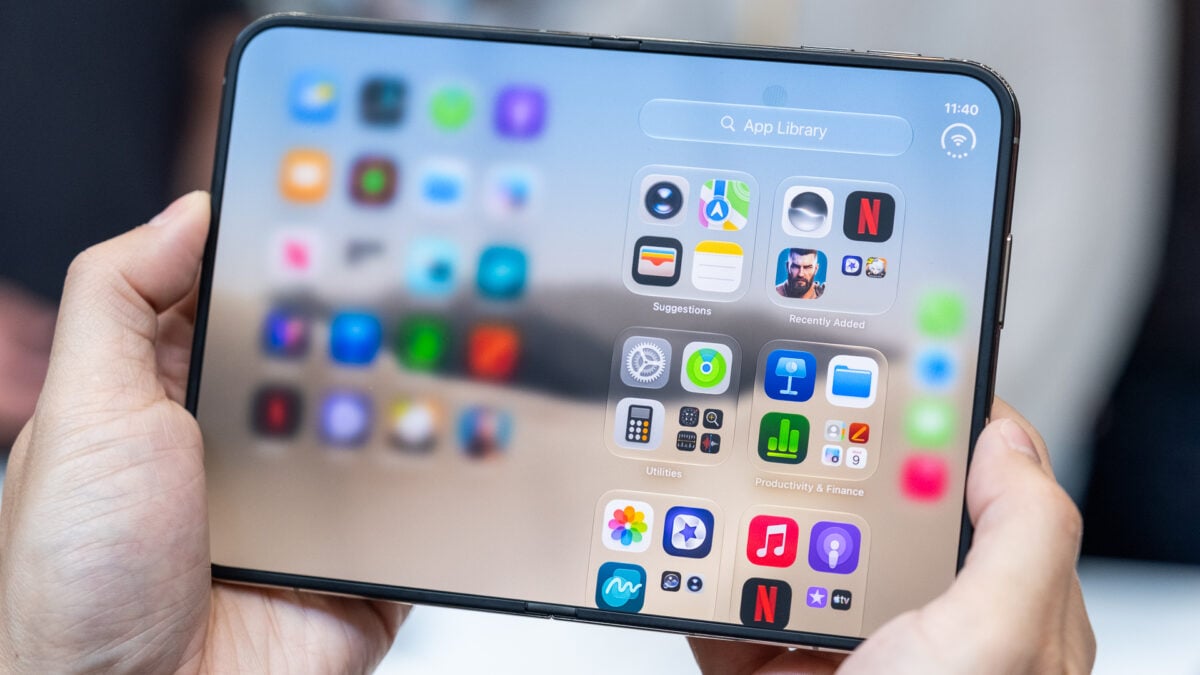
I can’t believe I have to say this out loud: Don’t be the idiot who breaks his new $2,000 iPhone Duo by removing the nanotexture layer that covers the internal screen. This morning, YouTuber Quinn Nelson, aka Snazzy Labs, shared on X a list of AppleCare+ prices that Apple will charge for various repairs, replacements, and services for the upcoming iPhone Duo. In particular, the “cover layer” for the inner screen will cost $19, which is good news, because it’s surely better than paying to replace the entire screen if only the surface is damaged. It is interesting that the Nano Texture “cover layer” is covered (ha) separately from the inner screen. For one, AppleCare+ is non-negotiable on this phone. On the other hand, I’m really glad that the deductibles are largely the same as other iPhones. pic.twitter.com/AM3HhIKhfV — Quinn Nelson (@SnazzyLabs) October 1, 2026 Tech journalist Nicolas Lellouche chimed in and said, “Apple told me during the event that you could replace the Nano texture cover at any time to reduce wrinkles or eliminate damage. Technically speaking, you can remove it yourself and have a brilliant screen.” “This is a game-changer if you prefer a bright screen on the iPhone Duo with much better contrast than a less visible crease,” said YouTuber Vadim Yuryev, who runs the popular Max Tech channel that compares mostly Apple devices. With all due respect to both of us, don’t do that. Let me repeat it again: Do not remove the nanotexture layer on the internal screen of the iPhone Duo yourself just to get a glossy screen. Just because Apple repair gurus can professionally replace the cover layer doesn’t mean you, John Smith, should try. I’m pretty sure that when Apple’s vice president of hardware engineering Kate Bergeron told content creator Angelina Siciliani Fendi that the covering layer is “actually replaceable, which is really nice for the customer that you can remove that layer and get a new one,” the executive wasn’t telling customers that they should remove the coating themselves. Doing so would be very, very stupid even if you know how to properly use a heat gun. Not only would you risk damaging the actual screen and the pixels underneath, but you would also reduce the durability of the screen with each fold and unfold. It could also prevent Apple Pencil support (coming later this year) from working properly. And even if Apple Pencil support still works, its tip would damage the screen with every contact. While I understand that some people look at the nanotexture layer on the screen and are unhappy because it makes colors less vibrant and blacks not as deep, the layer is a critical part of the iPhone Duo: it protects the screen and reduces the visibility of the crease. It’s as if people learned absolutely nothing from when critics removed the film from the original Samsung Galaxy Fold, only to find out that it would destroy the screen. After those first incidents, Samsung included language during setup to remind customers not to remove the film on their own. So let’s let this be a public service announcement: unless you want to ruin your very expensive new foldable iPhone and then cry about it on social media, don’t remove the nanotexture layer. Even if you remove it successfully, please also do not apply non-original glossy screen protector. You may end up breaking the screen and maybe even damaging the FaceTime camera under the screen. If you want a foldable phone with a bright interior screen, Samsung or Xiaomi will be happy to sell you one.