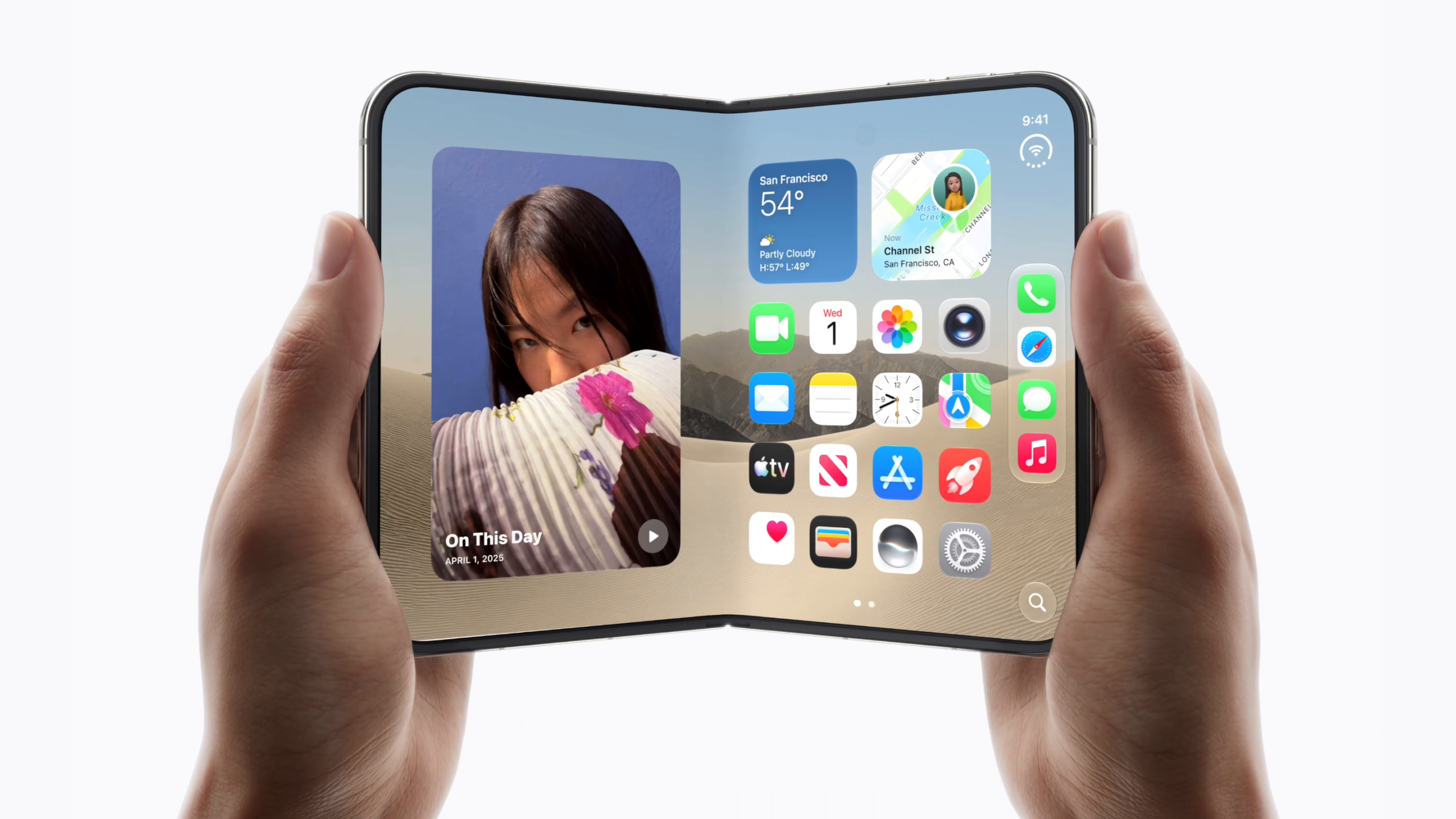
Touch ID on the iPhone Duo may be frustrating for some users, according to media reviews published today. Several reviewers found that Touch ID was slow to unlock, which can be jarring coming from Face ID. According to Marques Brownlee, Apple added an intentional delay to “every” Touch ID unlock. After tapping a finger on the side button to unlock, it stops at the lock screen. If you hold your finger there, you will go to the home screen. It’s technically smart. For example, you’re giving people a chance to check your notifications very quickly before you unblock them. And if they want to deliberately hold it longer, it will be unlocked. But as someone who is used to instant Face ID unlocks, I thought: I need to find a way to disable this. And I didn’t find that. Like it just makes the fingerprint reader feel slow when it’s not. […]
I really think Face ID will be the first thing people will miss about other iPhones. Brownlee says his solution is to activate the iPhone Duo, swipe up, and then tap the sensor for an instant unlock. Engadget described Touch ID as taking “a little longer to unlock than expected.” Apple told the site that pausing Touch ID creates a more consistent experience compared to other devices that use Touch ID, such as Macs and iPads, and gives the phone time to wake up and display lock screen notifications. In her review, Joanna Stern said she was looking for unlocks even a week later, with five fingers registered. “Face ID, I can’t express how much I miss you,” he said. Mrwhosetheboss said that holding instead of touching “feels like a little extra friction 50 times a day.” He found that Touch ID could be problematic right after washing your hands or with slightly greasy fingers, plus he said it’s really only comfortable to use in landscape orientation. PetaPixel said that Apple’s choice to use Touch ID instead of Face ID “was a mistake” and found that it was slower than Face ID. Accidental presses when picking up or moving the iPhone also cause a haptic error hum. PetaPixel said it hummed constantly. Apple allows you to unlock the iPhone Duo with the Apple Watch as an alternative to Touch ID, and PetaPixel said that this unlocking method was faster than using Touch ID. Having a watch to unlock “eliminated a lot of the friction” caused by Touch ID. Brian Tong said that Touch ID feels like a step back. “I’ll tell you right now: You’re going to want to wear an Apple Watch,” he said. Gizmodo’s Raymond Wong said he missed Face ID every time he picked up the iPhone Duo from a desk or pocket and remembered that he had to put a registered finger on the button to unlock it. He said it was hard to get used to not being able to authenticate a payment with Apple Pay. Wong also notes that, as with older iPhones, winter gloves will need to be removed to unlock them. The Verge said that “a week” was enough to get used to Touch ID, and that it is “virtually painless once you remember you’re supposed to use it.” 9to5Mac said the biggest downside to the iPhone Duo might be Touch ID, but also described it as working “quickly and reliably.” If you buy an iPhone Duo, will you miss Face ID? Let us know in the comments below.