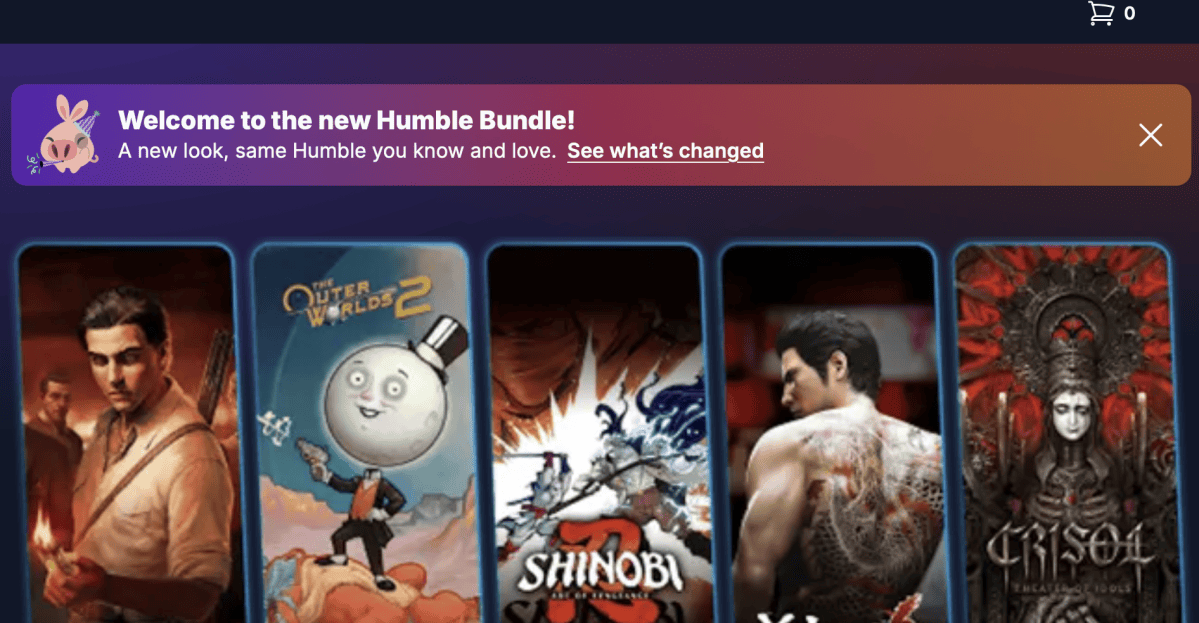
The Humble Bundle store for purchasing games and other software recently changed its appearance, but on the settings page it no longer offers a way to add or update two-factor verification methods, as reported by Kotaku. PC Gamer also notes that there are Humble Bundle support pages that discuss two-factor verification, and the author of the post said that they had set up two-factor verification in the previous version of the site. However, it seems that, at least as of now, there is some form of two-factor verification. When I tried to log into my Humble Bundle account while writing this article, I was asked to check my email for an access code before I could access my account. While logged in, I was able to update my password, but I did not have to enter my old password to do so. For what it’s worth, my password app also shows that I set up a rolling two-factor code for Humble Bundle at some point. I wasn’t asked to enter that anywhere in my login process today. Humble Bundle owner IGN Entertainment and IGN parent company Ziff Davis did not immediately respond to a request for comment.