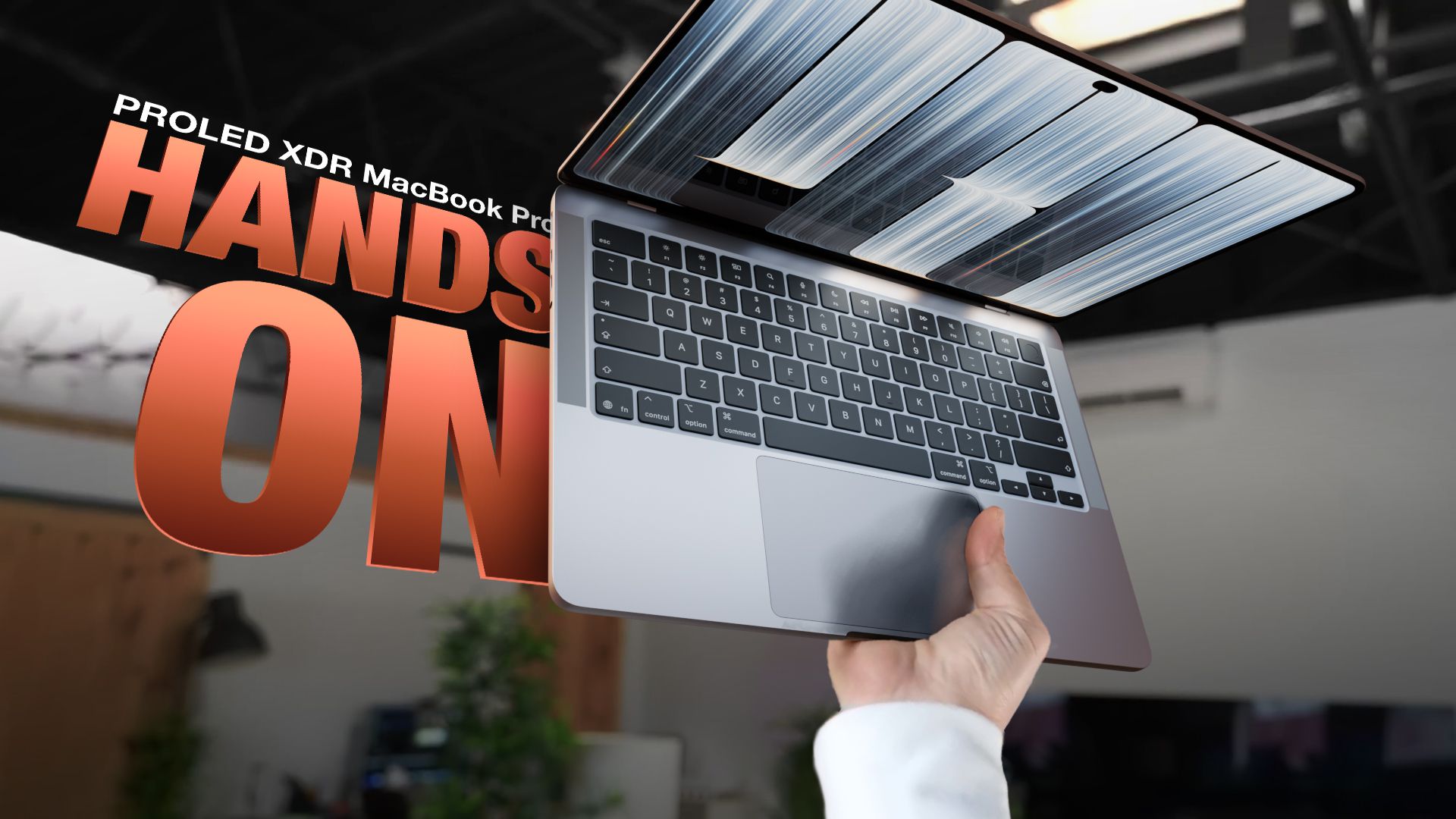
Happy Mac Touch Day! Apple’s new PROLED MacBook Pro is now in the hands of customers. We picked up one of the new machines to leave our greasy fingerprints all over that pristine OLED screen. It’s been five years since Apple last redesigned the MacBook Pro, so it was due for an update. The PROLED MacBook Pro looks a lot like the mini-LED model, but is thinner and lighter. The 14-inch model is about half a millimeter thinner and weighs just over three pounds, while the 16-inch model is almost a millimeter thinner and weighs four pounds. Apple shaved off about half a pound for the 14-inch model and 0.7 pounds for the 16-inch model, and while that doesn’t seem like much, it makes a big difference. You can feel how light it is the moment you take it out of the box. Apple brought back the shiny PROLED MacBook Pro logo, so everyone around you knows you have the sleek new OLED model. The OLED screen is the main new feature and looks as good as you’d expect from a screen on a laptop starting at $2,899. The blacks are true blacks, and since each pixel is illuminated individually, you don’t get the glow you get with mini-LED when viewing bright objects on a dark background. The MacBook Pro PROLED can also get super bright, and that brightness, combined with the deep blacks, makes HDR content look great. OLED is sometimes not bright enough outdoors, but that’s not the case here. The screen bezels are thinner and the 16-inch machine is actually 16.3 inches instead of 16.2. There’s also a dynamic iPhone-like island that replaces the notch and houses Siri AI, Live Activities, and more. The Dynamic Island makes sense because now you can touch the MacBook Pro screen. It works like tapping on an iPhone or iPad, so you can swipe through web pages, tap buttons, drag and drop, and pinch to zoom. Touch isn’t meant to replace the trackpad and keyboard, but it’s there if you want it. Apple made some adjustments to macOS, so menu options expand a little more when you tap them than when you click them, and the small buttons for resizing windows become larger. Apple put a sturdier hinge on the MacBook Pro PROLED so the screen doesn’t move as much when you touch it, but it’s not perfect. It still moves depending on where you touch. The touch function is fine, but it’s probably not a reason to buy the MacBook Pro PROLED. It has the potential to be useful in some situations, but it won’t drastically change the way most people use a laptop. The new chips were not ready in time for the PROLED machines, so they use the same M5 Pro and M5 Max as the mini-LED models. This is a disappointment in a laptop that starts at almost $3,000. Since Apple still sells the mini-LED models, you’re basically paying a $400 premium for the high-end OLED display, thinner, lighter design, and touch functionality. The better screen and lighter weight will be worth it for some people, and the touch is just a bonus.