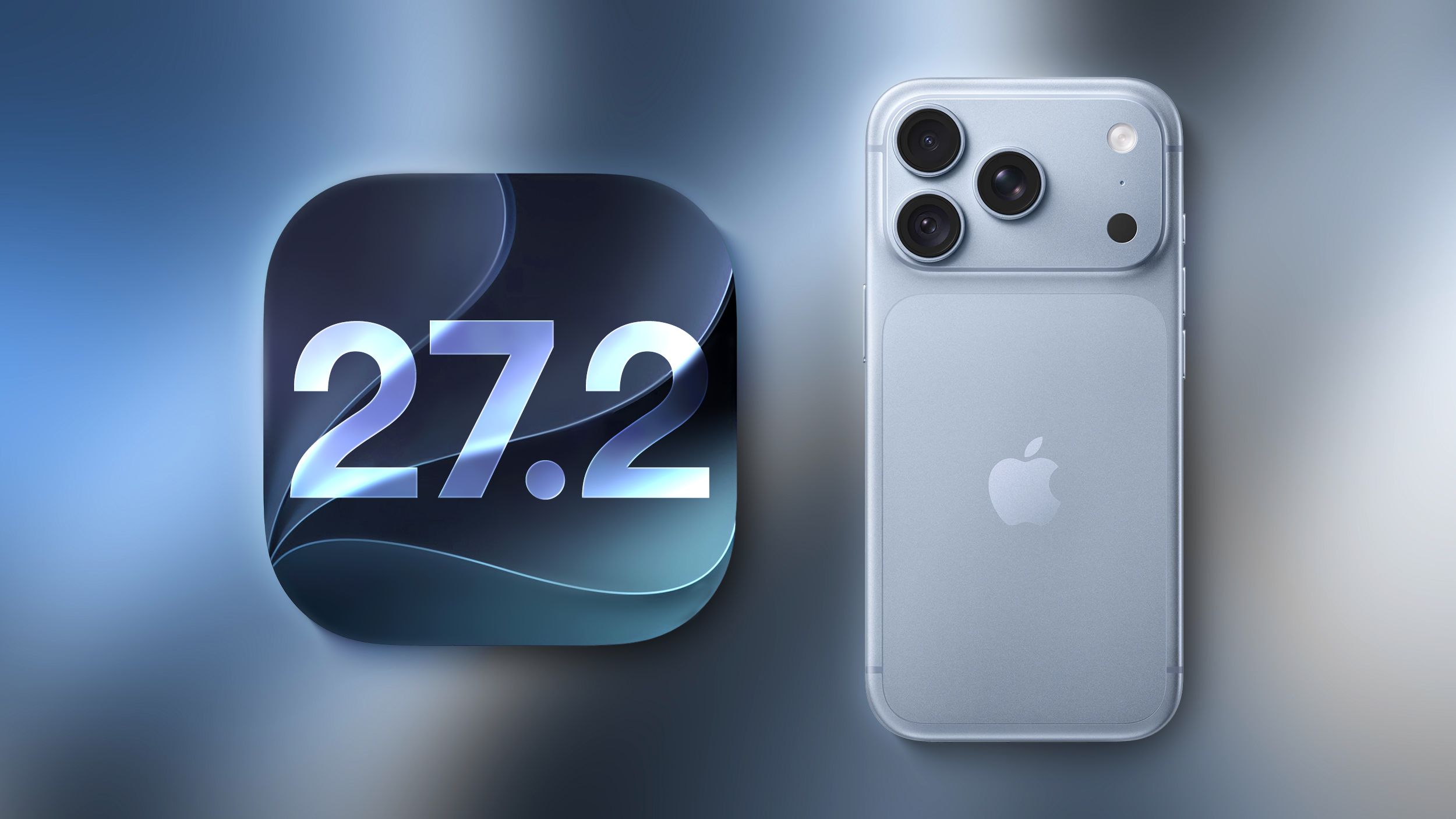
Apple surprised us today with the first beta of iOS 27.2 instead of releasing an iOS 27.1 beta. Apple has likely moved straight to iOS 27.2 to keep the iPhone Duo code under wraps for now, since we already know that the iPhone Duo will ship with iOS 27.1 when it comes out in October. This beta version includes Apple’s revamped Health app, new languages for Siri AI, and a few other useful tweaks. Revamped Health App The iOS 27.2 beta includes the redesigned Health app that Apple showed off at its September iPhone event. The new app is organized into three main tabs: Insights, Longevity, and Browse. Insights includes your most recent and relevant health information, such as vital signs, sleep score, heart rate, and activity rings. Longevity displays your health data over time and offers a health age calculated from activity level, VO2 max, sleep time, and other metrics. The Health Age feature uses in-app assessments that take advantage of the iPhone’s camera. You can measure flexibility, strength, balance and VO2 max. The revamped Health app is only available in US English. The Health app also has a new icon. Call Context Apple added anniversary alerts to Apple Intelligence’s Call Context feature. If you make a phone call to someone and have an anniversary set for them in the Contacts app, you’ll see a reminder in the Phone app. CarPlay There are themes for CarPlay Ultra including wallpaper, gauge style and color options. The code suggests that the ambient lighting on supported vehicles will also match the selected theme color. Siri AI Languages Siri AI is available in French, Japanese, Korean, Portuguese, and Spanish in the iOS 27.2 beta. Apple TV App Apple extended the Apple TV app profiles to iPhone and iPad in iOS 27.2. Apple TV app users can create profiles in the account settings section and then switch between those profiles. Profiles only require a name, a profile rating, and information about whether the user is a child. Creating an account for a child limits content to a PG rating by default, but there is a customization option for more granular control. Users can select age ratings for TV shows and movies that are appropriate for the child based on his or her age. Profiles are useful for parents who want to give an iPhone or iPad to a child to watch TV content while also restricting content that is not age-appropriate. There is also a new option to activate sign language interpretation when available. It can be activated in the TV app settings. ASL FaceTime API In May, Apple said it would add a new API to FaceTime that would allow developers creating sign language interpretation apps to add a human interpreter to an ongoing video call. That feature appears to be available in iOS 27.2. Apple Watch has changed the way alarms appear in the Clock app. The am and pm readings are now smaller than the hour. Music In the Music app, some of the red accents have been removed. The Play and Shuffle buttons in the Library are black instead of red, as are all the icons next to the Library sections. Access to the Siri app in the Siri section of the Settings app is now called “Excluded Apps.” Tapping “Add Apps” displays a list so you can exclude multiple apps at once. Previously, apps had to be excluded one by one. Adding an app to the exclusion list prevents it from appearing in Siri, Search, and Suggestions. Apple Podcasts changed the name next to New Episodes, with a Continue Playing option directly below it. App Tracking Transparency According to Apple’s release notes for the update, App Tracking Transparency supports an alternative expanded message for EU users along with a new message annually. The alternative message is required for users in France, Germany, Italy, Poland and Romania.