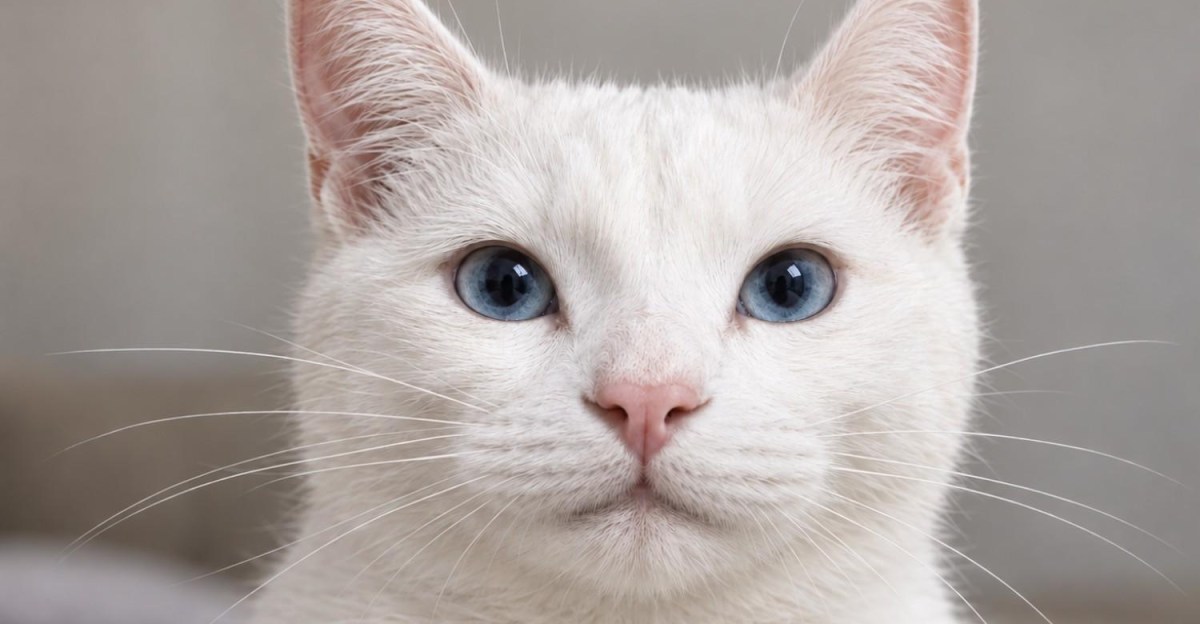
OpenAI announced ChatGPT Images 2.5 on Tuesday and is adding a new way to tell ChatGPT what you want it to make an image of: by drawing a doodle. With a new feature called Sketch, you can draw something directly inside ChatGPT and then tell ChatGPT how you want it to make an image based on that sketch. You can activate the Sketch feature by typing @Sketch in your chat box and a window will appear where you can make your drawing. I tried it briefly and it managed to turn my bad doodle of a cat I drew with my computer mouse into a realistic photo, according to my instructions. You can now also leave comments directly on the parts of the images you want to change, which I used to make the cat’s eyes green instead of blue. As for ChatGPT Images 2.5, OpenAI says it creates images with “more natural lighting and richer textures,” is better at following editing instructions “in multiple turns,” and that image generation latency has been reduced “by up to 50% compared to Images 2.0.” ChatGPT Images 2.5 is now available for ChatGPT, ChatGPT Work, and Codex users on desktop, mobile, and web, according to OpenAI.