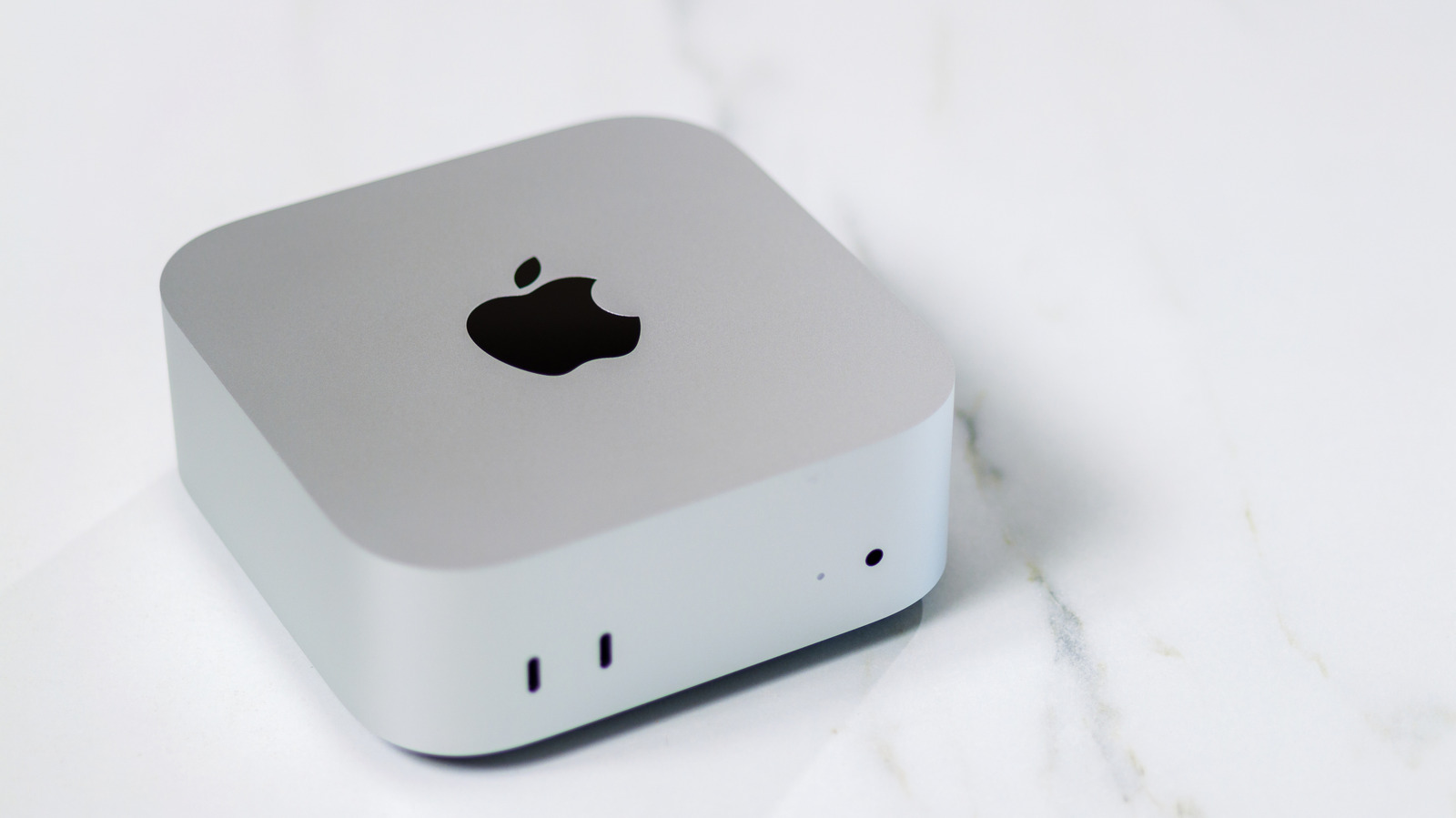
M21Perfect/Shutterstock We may receive a commission for purchases made through links. The Mac mini is one of the most interesting options for Mac users looking for a desktop option. While the current memory crisis no longer makes this computer the cheapest Mac available, it is still more affordable than most MacBook options and clearly better than the Mac Studio. And if you already have the essential Mac mini accessories, the price is much easier to justify, whether you opt for the new Mac mini M6 or the M5 Pro option. Either way, some essential apps can enhance your experience, such as Opera One, Portal, and Ulysses. We select these apps based on personal experiences and reviews from real customers. After all, selecting essential apps always depends on the type of activity you do with your Mac, so a developer will say that Xcode is an essential app for them. By contrast, a college student might say that Pages or a Microsoft Office subscription is the best thing they can have. That’s why we focus on more universal options that can help you in different phases of life and tasks throughout the day. Opera One Safari is great, until it’s not. Apple continues to promote this browser as the fastest and most reliable option for Mac, but that claim has no longer been true for a few years. Not only do I try to switch back to Safari after every macOS update, but I always end up returning to Opera One, a much more reliable browser that takes advantage of the best of Chromium without consuming a lot of power or RAM. More importantly, I’m not alone in this statement, as several Redditors also consider the current Safari experience to be a disaster. With Opera One, now in version R3, the company improves Tab Islands, which now groups tabs intuitively and automatically and users can name and color-code these groups. It also adds AI with 20% faster responses and on-screen insights based on what you’re viewing in the browser, plus sidebar improvements with more integrated apps. In daily use, Opera One feels reliable and fast, and it has one of my favorite features: split screen between tabs with a single window open. Opera One is free to download for Mac, and users who don’t want to use all the features of the main Opera browser can also use Opera Air, a minimalist browser focused on eliminating distractions and maximizing concentration. Another option is Microsoft Edge, which, with a few tweaks, can become your new go-to browser on the Mac mini. Portal – Escape Into Nature Whether you’re working on your Mac mini, doing long study sessions, or just getting hooked while browsing the web to discover your next trip, there’s one app that should be on every Mac computer: Portal – Escape Into Nature. Created by independent developers at Portal Labs, it helps people manage well-being while working, browsing, or simply relaxing after a long day. Portal is a key productivity tool that brings you closer to nature with vivid landscapes, spatial audio support, and even pairing with your smart lights if you choose. With a recently added Circadian Flow feature, each landscape can match your current time zone, meaning you can start your day with a morning landscape and deepen in the evening with another option that continues to match the environment. According to the developers, spending time in nature can improve concentration, spark creativity, relieve anxiety and improve sleep. Portal currently offers over 100 landscapes and has been completely redone for the Liquid Glass interface. It features timers and alarms, deeper integration with Siri AI, and most importantly, a lower price so more people can enjoy the feeling of being close to nature. Their premium subscription costs $2.99/month, $29.99/year, or $99.99 for lifetime premium access. The company also offers a seven-day premium access trial without requiring any payment details. Ulysses – Writing App Suppose you write a lot, whether because you dream of becoming the next Carrie Bradshaw or because you are a student, writer or journalist, there is an app for you: Ulysses. While you can say that anything works for taking notes, from Apple’s Notes app to Pages to Microsoft Word, you might know that something specific can be a lot of fun. That’s why Ulysses exists: it helps you focus on the creativity within you. Available for Mac, iPhone, and iPad, the app shines brightest on Mac, where you get a larger screen to enjoy that whiteboard without interruptions. Most importantly, you have access to different folders, so you can categorize different projects, from books you’re writing and novels to recipes, your personal journal or even your office stuff. The app also includes built-in grammar and style checks for over 20 languages. Ulysses can analyze text and offer informed suggestions on capitalization, punctuation, semantics, redundancy, style, and more. The writing app also integrates with third-party software like WordPress, Ghost, Medium, and Micro.blog, so you can publish your thoughts from one app to another platform in no time. Ulysses offers a trial version, but requires a premium subscription to work. If you use it for a while and decide not to renew it, your data remains in the application, although you will not be able to edit it. Regular tiers cost $39.99 a year, although students can get a reduced price of $10.99 for six months. ExpressVPN True, you may find a lot of paid advertisements online for ExpressVPN, as the company usually promotes its product through YouTube tech channels, etc., but there is a reason why you should get ExpressVPN (or any VPN service, really) on your Mac mini. A VPN not only gives you a safer browsing experience by hiding your IP and avoiding trackers, but it also allows you to access different pages and services without leaving home. For example, I watched all three seasons of “Father Ted” on Channel 4 in England without using a sketchy method, and I can also easily check the prices of my stories in the United States, even without being based in the United States. With a tap, my browser understands that I’m in a different part of the world and gives me access to information I wouldn’t have before. This is useful if I’m trying to access a government website when I’m not in my home country, access a website that’s blocked due to geolocation, etc. If using your Mac mini requires you to be everywhere or, let’s face it, you just want to watch a different catalog from your streaming service, software like ExpressVPN can be really useful. The great thing about ExpressVPN is that it often offers significant discounts on subscriptions, so you can pay once and enjoy it for a couple of years without remembering you paid for it, while also sharing it across a few devices. Pixelmator Pro José Adorno/BGR Last but not least, there is one app that every Mac user should have, which is Pixelmator Pro. Although Apple bought the entire Pixelmator software a couple of years ago and even integrated this app into its Creator Studio subscription, I still highly recommend getting the original Pixelmator Pro experience. After all, this is one of the simplest photo editing tools. You can easily improve the quality of an image using machine learning (the term before AI took over everything), clean up a part of the image, double copy and replicate a part of the image, etc. If you don’t do extra work with photo editing that requires something more complex than Adobe Photoshop, Pixelmator Pro will be easy for you. The original experience is available on the Mac App Store for $49.99 as a one-time purchase, and it’s the software I still use. Still, it’s important to note that Pixelmator Pro is also part of Apple’s Creator Studio, which is a $12.99 a month or $129 a year multi-app package that offers productivity tools like Final Cut Pro, Logic Pro, and even the iWork suite with some added goodies. For example, this edition of Pixelmator Pro also works on iPad and features AI capabilities such as Generate Fill. That said, if you just want an easy-to-use photo editor, the original Pixelmator Pro is still a must-have; If you want access to more AI apps or capabilities, check out the subscription model. How we chose these apps José Adorno/BGR BGR chose these essential apps for Mac mini based on staff experience, as well as reviews from real customers and other media outlets. These apps also cover everyday use, so they are great options for a wide range of customers, not just people in a very specific field. After all, everyone needs to surf the web, focus on a task, write, view content, and sometimes edit a photo. Several apps could be worth it for Mac mini users, such as WhatsApp if you don’t use iMessage; Slack, Trello and Microsoft Teams depending on your work; Xcode and other development tools; etc. Still, BGR tried not to be too obvious with the selection, since while there is a lot of software available for the Mac, finding the right one for everyday use can be a challenge. Most of the apps on this list require a one-time payment or subscription, which may not be suitable for all customers. Still, we recommend that users also look for free solutions in those categories. That said, whether this is your first Mac mini or you’re just trying to diversify your current apps, this list offers a comprehensive selection of what we consider to be some of the best Mac apps currently available.